
The Product
The world's fastest cloud mobile emulators for Android and iOS
Mobile devices in the cloud, ready in seconds, for every person and every AI agent that needs access. No hardware, no provisioning, no waiting.
Fast
Fast, web-based, access anywhere in the world
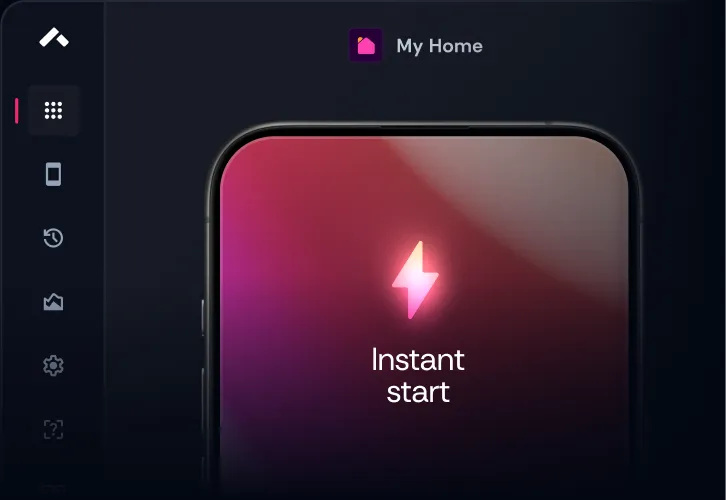
Start running your apps in seconds with the click of a button
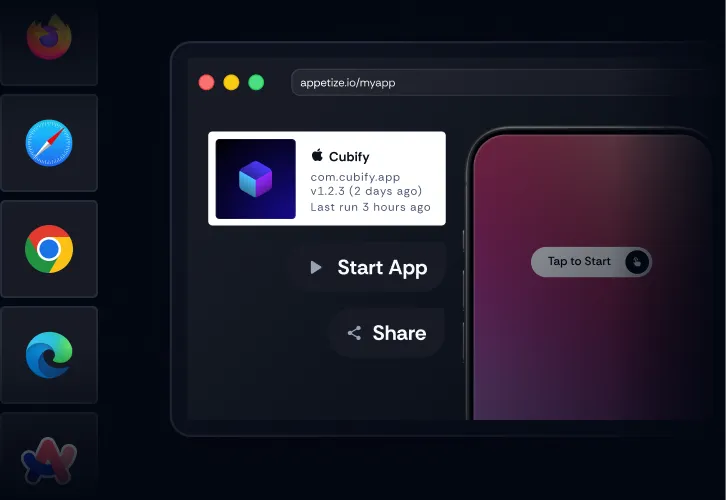
Run your apps from a web browser. no plugins or downloads needed

Access your apps securely from anywhere in the world
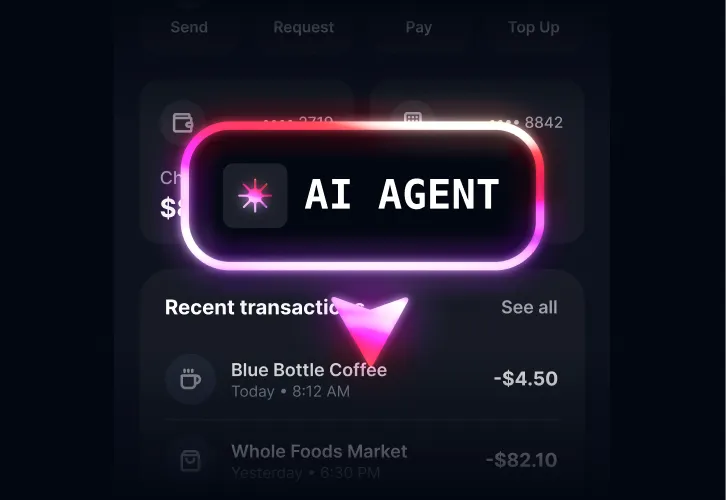
Hand a clean device to an AI agent through API or the Appetize CLI









Smart
Customize the mobile experience for your users in every way
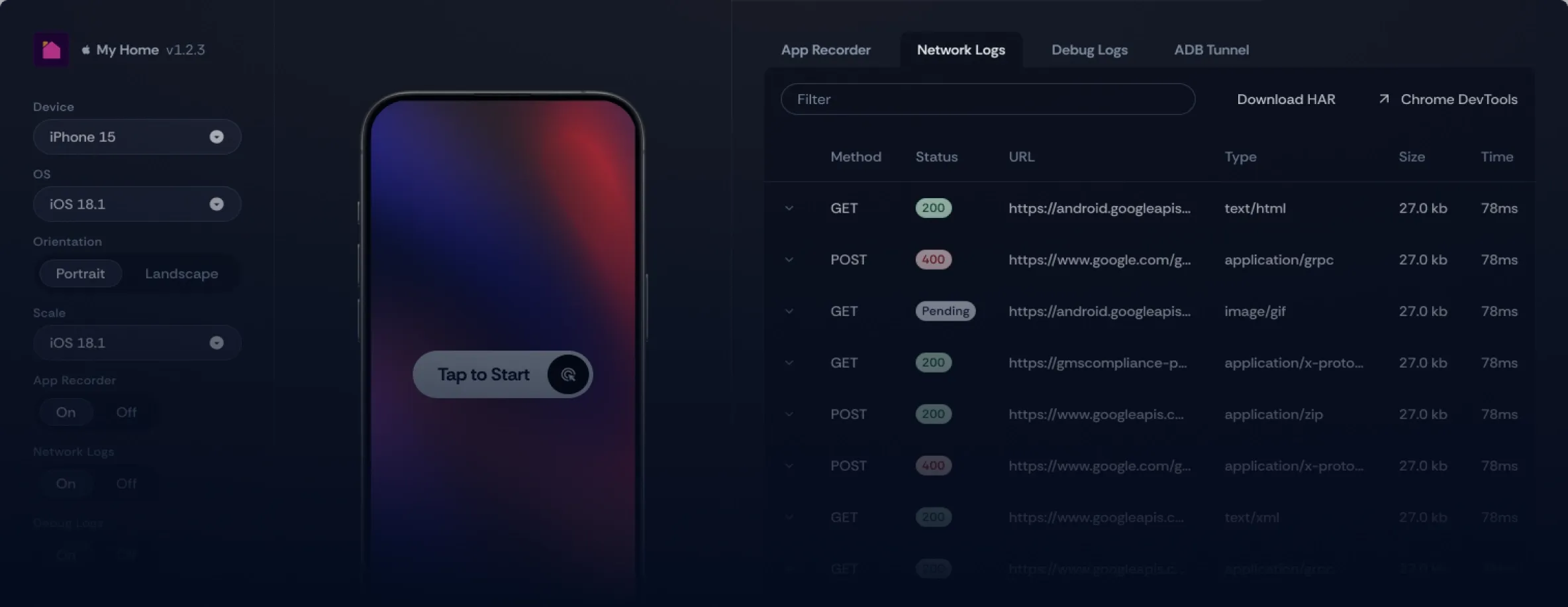

Restrict device access with configurable controls that help teams securely manage how apps are used and shared. Define which apps can run, control access through allowlists, and create focused app experiences with kiosk mode.

Automate user logins, in-app onboarding, or other complex sequences prior to app launch, or create advanced automations on-demand within a session. A person or an AI agent then starts on the screen that matters instead of the login form.

Configure any version of iOS or Android on any device and specify language, location, and hundreds of other configuration options. Agents can request any of it per session, so locale and OS-version coverage stops being a manual matrix somebody has to work through.

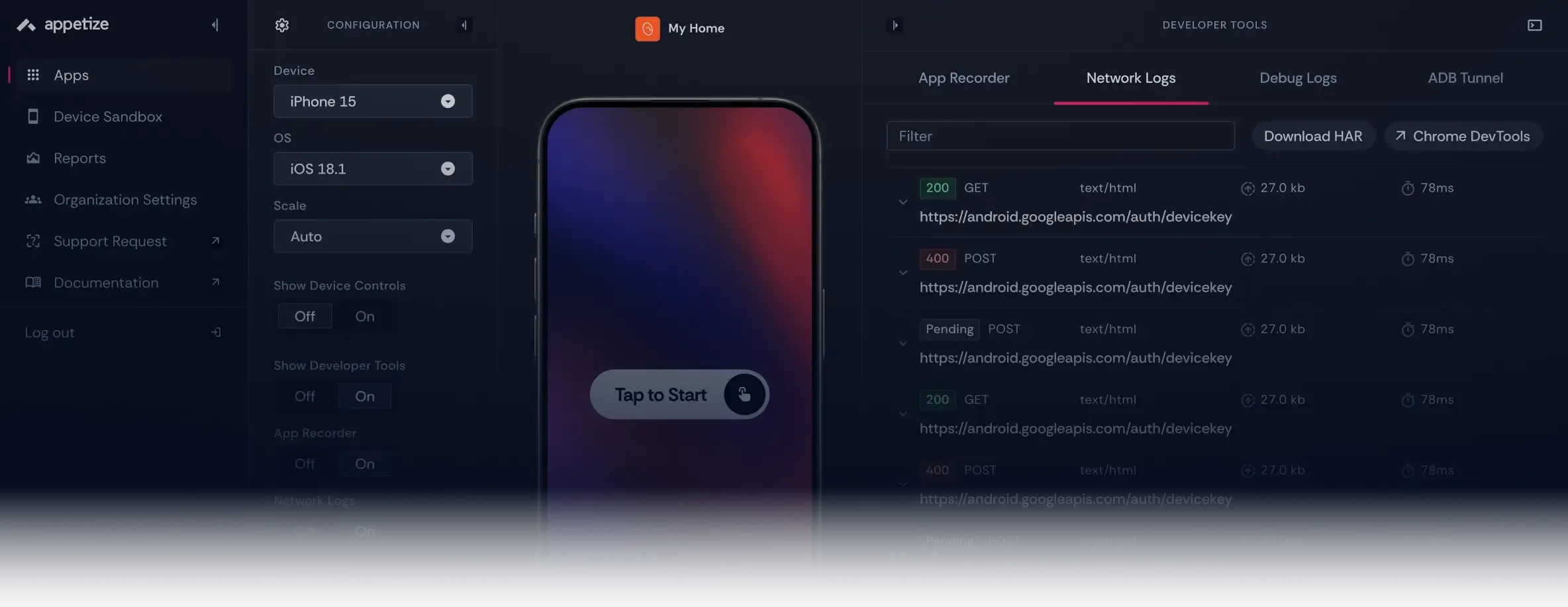
Troubleshoot and debug your app by inspecting the UI hierarchy, debug logs, and network traffic. That same UI hierarchy is available to AI agents as a semantic tree, so they target elements by name rather than guessing at pixel coordinates.

Case Study

Wealthsimple upgrades its mobile app support experience with Appetize
Flexible
Build Appetize into your own tools and workflows
All of it available to your AI coding agents too, through the Appetize CLI
Automatic updates
keep everyone informed by having the latest versions of your apps
Connect
to all of your workflows across the product development lifecycle
Share
specific experiences with the right teammates at the right time
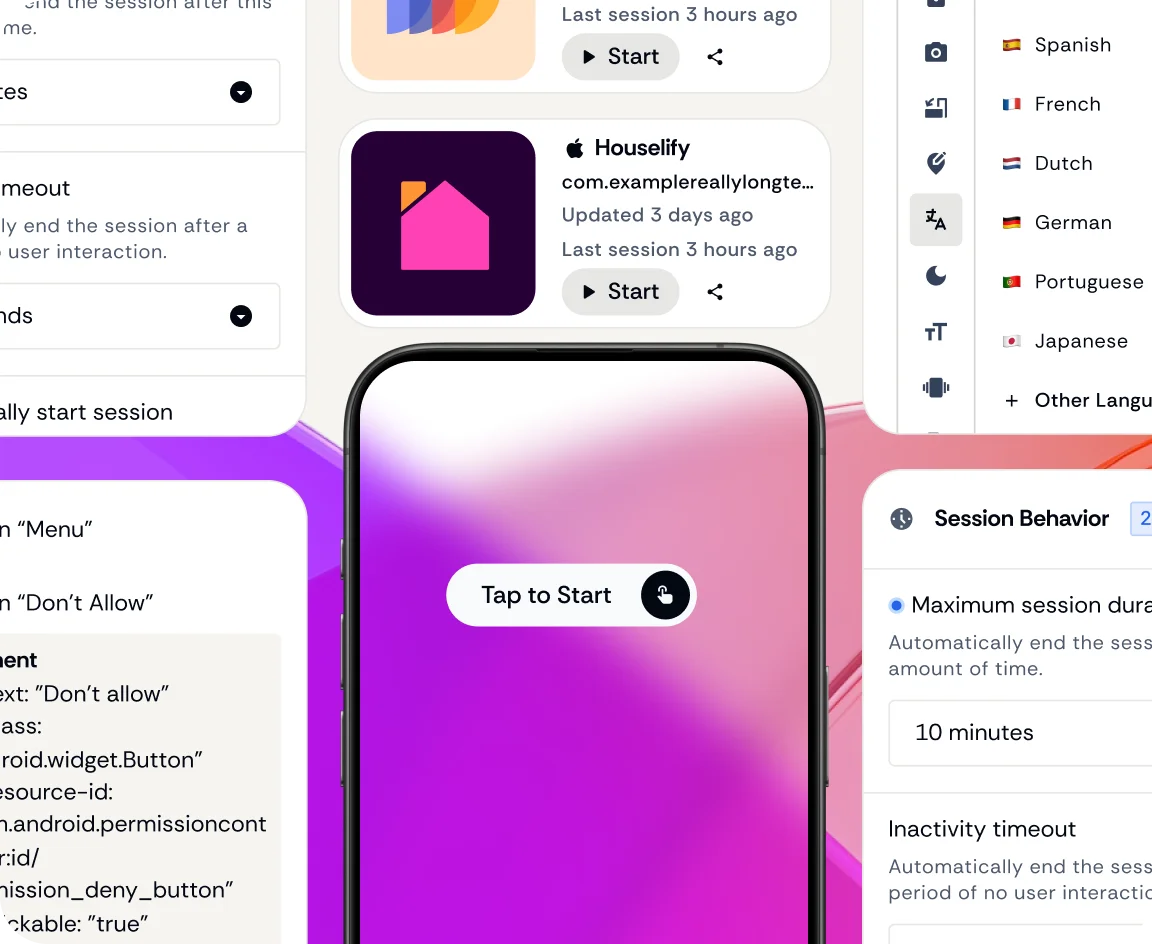
Embed
into your own products, systems, tools, or anywhere you need them.
Integrate
with your internal customer impersonation, mock data, and internal tooling workflows
Automate
time-consuming, repetitive, and error-prone tasks

Recommended Read
Introducing Cloud Emulators to your Team: A Comprehensive Guide
Read more about the business case and ROI of cloud-based mobile emulators.
Read ArticleAgent-ready
Point your AI agents at the same mobile environments your team uses
Connect tools like Claude Code, Codex, Cursor, or your own agents to Appetize through the CLI, REST API, or existing CI/CD workflows. Agents can launch apps, interact with them, inspect what happened, and keep working without needing a separate mobile setup.
Works with:
-
 Cursor Cloud
 -
 Codex
Codex -
 Claude Code
 -
 Devin AI
 -
 Github Copilot
 -
 Custom Agents
 -
 Appetize CLI
 -
 REST API
 -
 CI/CD
CI/CD

Connect your existing tools
Use the Appetize CLI, REST API, or CI/CD integrations to connect AI agents and automated workflows to mobile sessions.

Let agents interact with the real app
Agents can tap, type, navigate, and understand what’s on screen instead of relying only on screenshots.

Proof posted to the PR
Demo recordings posted straight to the PR or ticket. Reviewers open the app from the pull request and run it right there.

Keep agent access under control
Isolate sessions, limit what agents can access, and keep a clear record of activity for security and review.